
Teams & collaboration
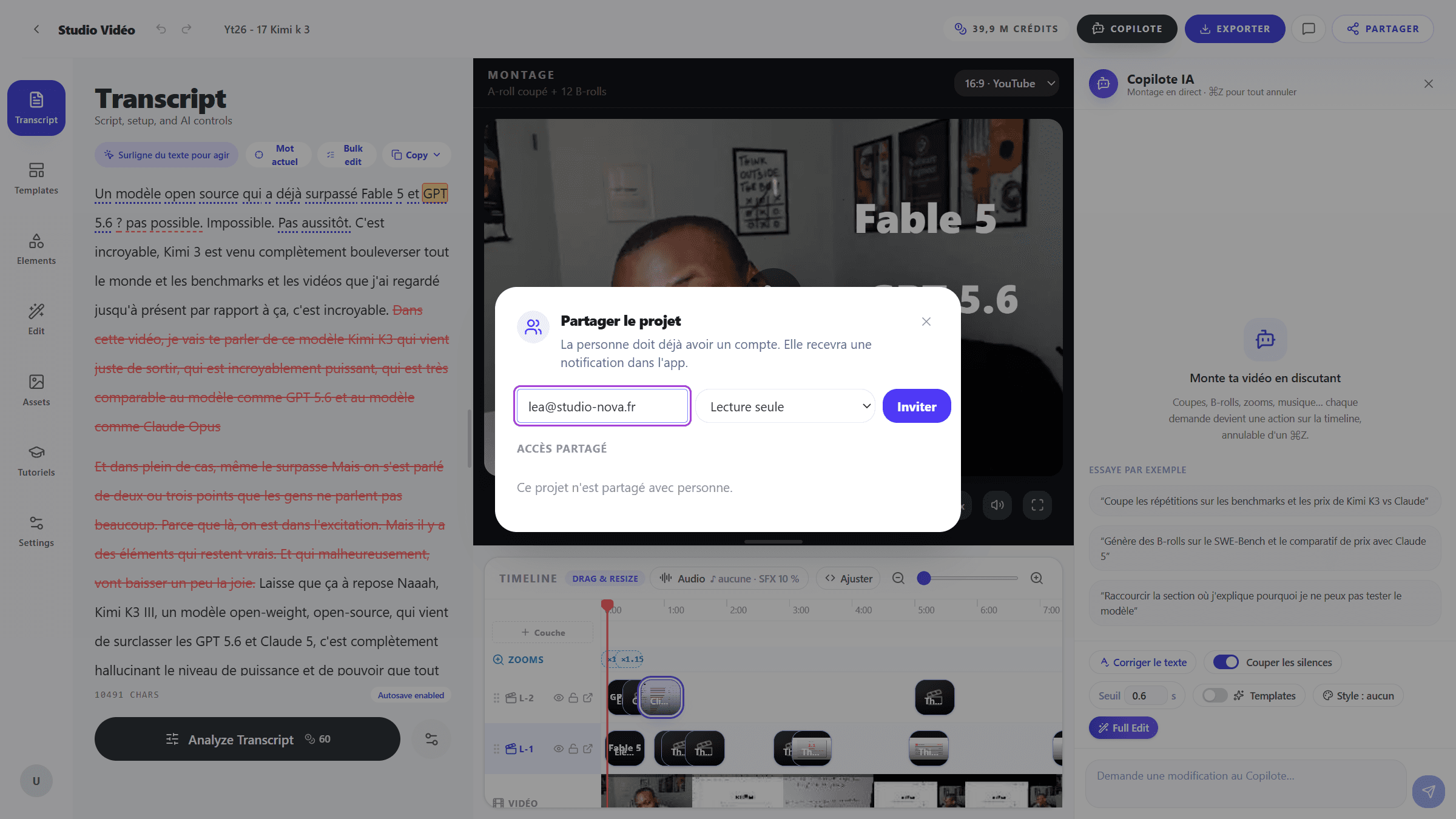
Share projects, review with timeline comments and edit as a team — without ever overwriting each other's work.
What you get
One team, every project
Create a team and every member can open and edit its projects — no per-file invitations, no emailing exports around.
Share with the right role
Grant a single project to a viewer, a reviewer or an editor. Reviewers leave timeline-anchored comments — with mentions and resolve — right where the feedback belongs.
No overwrites, full history
One person edits at a time; everyone else follows in review mode. An activity log records who changed what, and named snapshots let you restore a previous state.
How it works
- 01
Create a team or share a project
Add teammates to a shared workspace, or grant a single project as viewer, reviewer or editor. A reviewer comments without being able to touch the edit, which is usually the point.
- ViewerWatches the edit
- ReviewerWatches and comments to the second
- EditorEdits, like you
Three roles, and nothing between them. The role is granted per project, and taken back at any time without deleting the work already done. - 02
Review with comments
Feedback pins to the exact second it is about, with mentions and resolution. Nobody describes a moment in a message: the feedback is already where it belongs.
A-rollCamille1:12The cut is audible here — it needs a breath before « the second ».
Mark as resolvedFeedback arrives where it applies, not in a message describing a moment. Everyone sees who said what, and the thread closes when it is settled. - 03
Edit without conflicts
One person holds the edit at a time; the others follow live. The log records who changed what, and named snapshots let you restore a previous state.
Camille is editing right now
Everyone else follows in review mode and can comment.
- Camille cut 7 passages
- Yanis left a comment at 1:12
One person holds the edit at a time; the others follow live. It is a deliberate limit: it is what makes sure nobody's work is quietly overwritten.
Frequently asked
Try it on your next video
Seven days free, no card required.
Free 7-day trial, no card.